Image
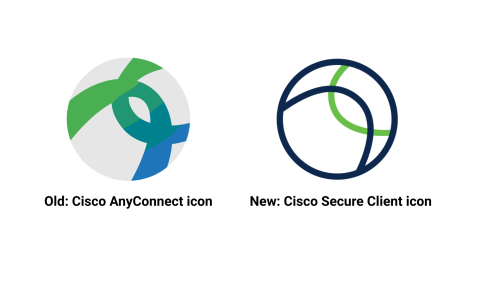
On Thursday, Nov. 20, the Office of Information Technology will upgrade Duke’s virtual private network (VPN)—the tool that provides secure remote access to Duke systems—from Cisco AnyConnect to Cisco Secure Client.
After the upgrade, your VPN application will appear as Secure Client instead of AnyConnect. This update moves Duke to Cisco’s newest version of the VPN client.
No action is required. The upgrade will begin at 6 a.m. and should take less than 10 minutes to complete. The new client installs automatically as part of the VPN login process.
Once it’s finished, you can continue connecting to the VPN just as before - the name will simply be different. After the upgrade, the VPN shortcut may no longer appear in Quick Links or other shortcut menus. Don’t worry - the VPN is still installed and available under the new name Secure Client.
If you’d like to install the new client ahead of time, you can download Secure Client from software.duke.edu. Devices that have already been manually updated will not go through the automated upgrade on Nov. 20, and will avoid the brief upgrade window.
For help, contact the OIT Service Desk.